
LOGIN INFORMATION
Welcome to Bonfire! Once you've been given access to the platform by your account manager, you will need to reset your password by doing the following:
- Go to app.bonfirecrm.com using your web browser to direct you to Bonfire's login screen. We recommend that you use Google Chrome as your browser.
- Click the Reset Password button. You will see the following popup.
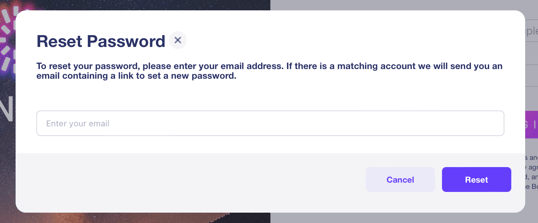
- Enter your email address in the text field, then click the Reset button at the bottom-right of the pop-up.
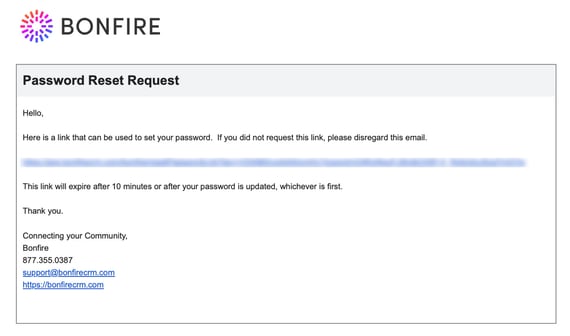
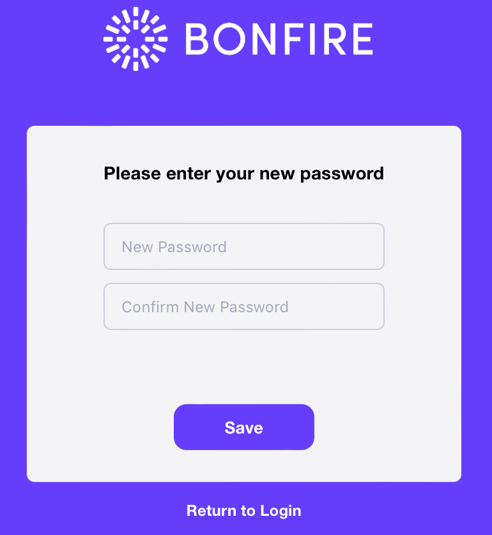
- You will receive an email with a link for you to reset your password. Click on the link to direct you to the Reset Password screen for you to create your password.
- Enter your new password in both fields, then click the Save button and you will receive a confirmation the password has been updated.
- Once you've entered a new password, return to the login page and log in.